
Features
Turn your Documentation
into Knowledge base
Give users a faster way to find answers using the documentation, user guide & faqs you already maintain.









Features
Knowledge Base features
for
Self Serve answers
Answer common questions before users contact your support team

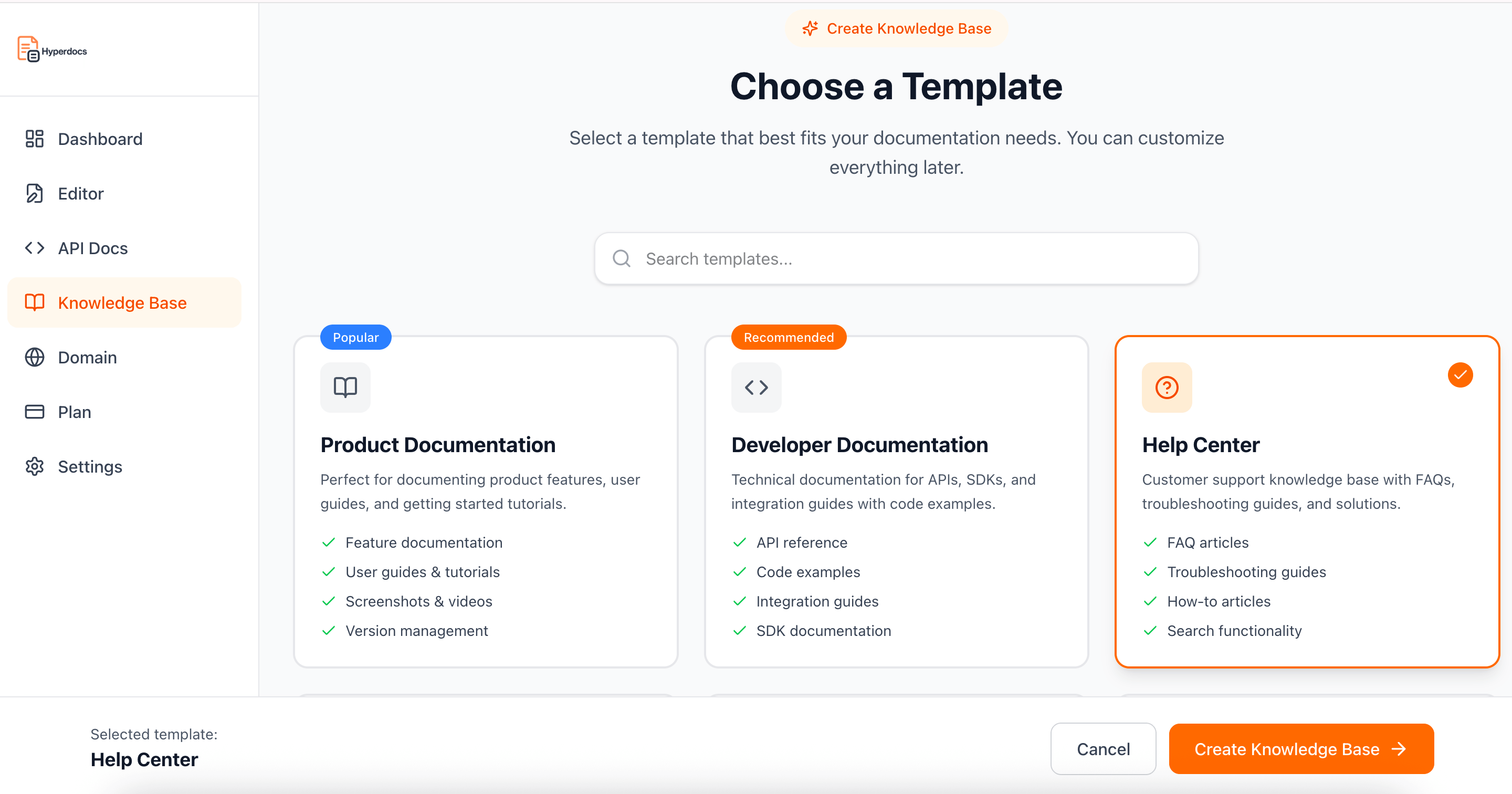
Search-First Experience
Help users find answers quickly before they need to reach out for help.

Dedicated search interface
Instant access to relevant content
Designed for quick questions

Same Content, One Source
Your knowledge base uses the same documentation as the source of truth.
No duplicate articles
No separate systems to manage
Documentation stays consistent

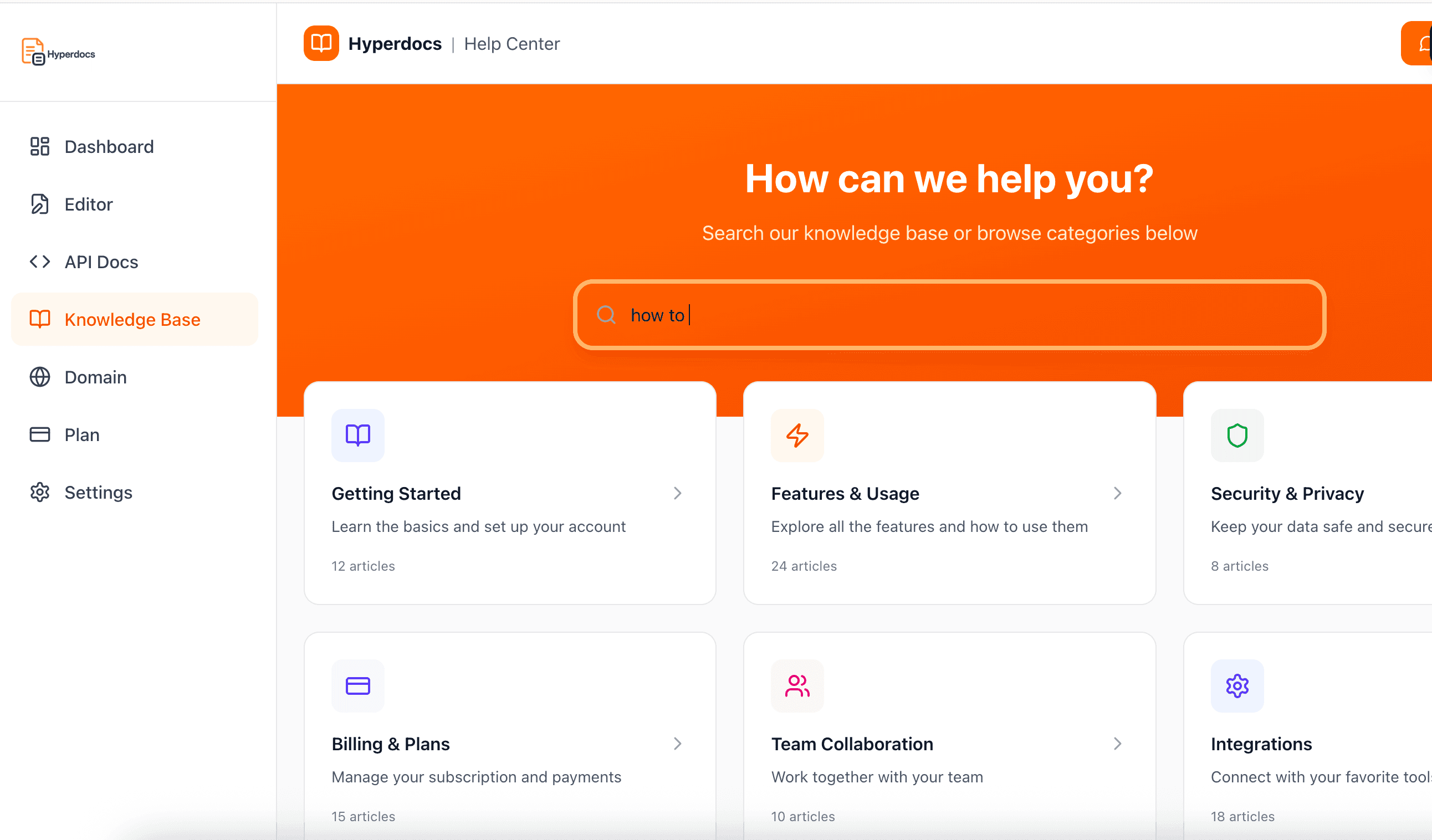
Public Help Center
Create a help center users can access anytime without logging in.
Clean, public URLs
Easy access for all users
Built for self-serve answers

Structured Answers
Present answers clearly using well-organized documentation content.
Clear headings and sections
Easy to scan and read
Better understanding for users

Search Friendly by Design
Help center content is structured for search engines and AI tools
Clear page structure
Discoverable answers
Improved visibility across search

Simple to Maintain
Maintain your help center by updating documentation in one place.
Edit documentation once
Changes reflect everywhere
No ongoing maintenance overhead
A Better Way to
Access Documentation
Many users do not want to browse documentation. They want a direct answer. Hyperdocs lets you present your documentation as a searchable knowledge base so users can find what they need faster.
Help users find answers faster
A dedicated knowledge base layout that surfaces relevant documentation through search instead of navigation.
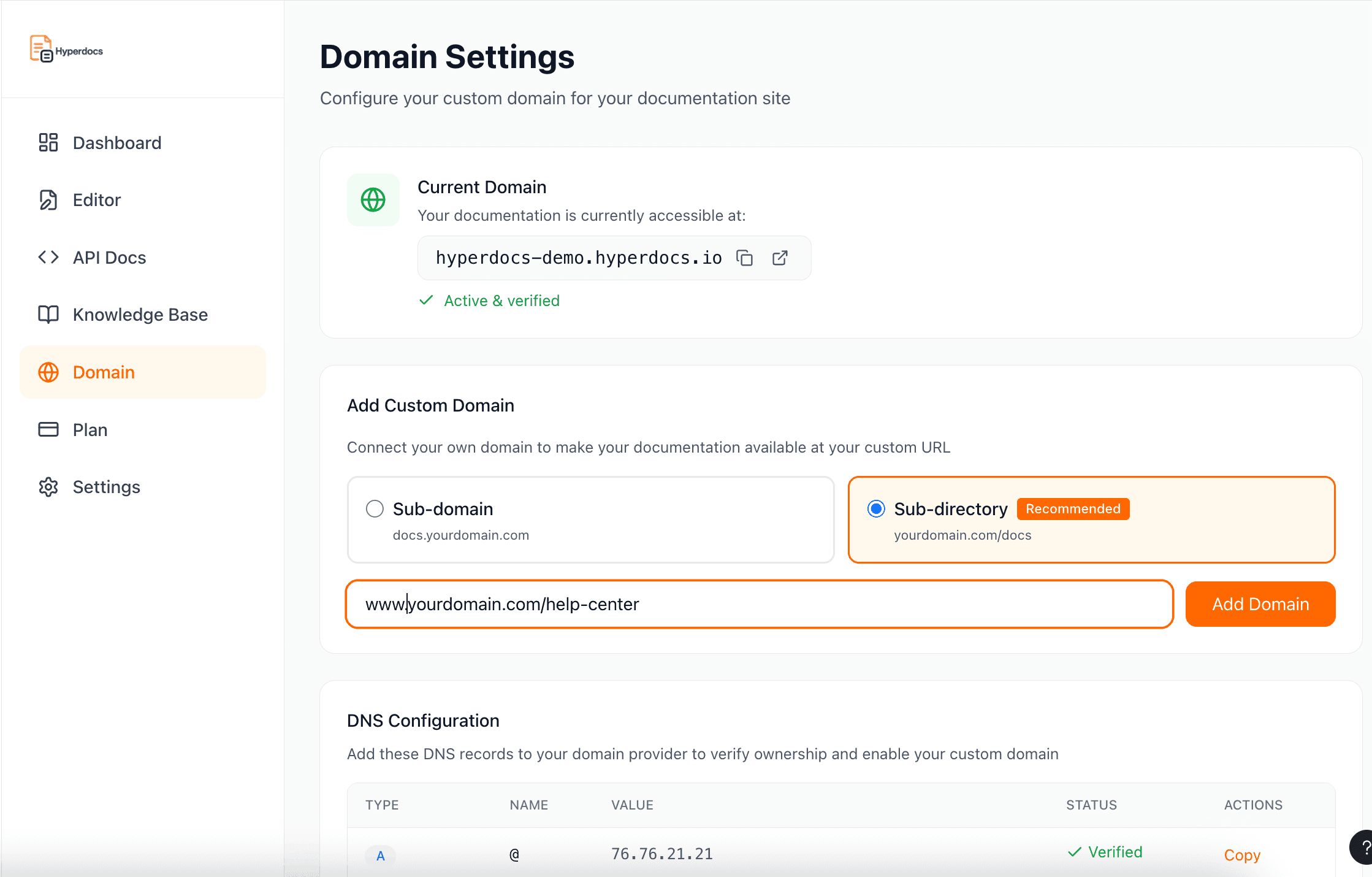
Publish your own help center
Connect your knowledge base to a own domain as subdomain so it feels like a natural part of your product.
Designed for
Public Help Content
Hyperdocs turns documentation into a searchable help center without introducing ticketing systems or support operations. Handle repetitive ‘how do I’ questions through documentation